
WiFi Access Point Placement for Offices and Warehouses in Las Vegas
Where you mount your wireless access points matters more than how many you buy. Here is how to plan coverage for different commercial space types in Las Vegas.
Why Placement Matters More Than Quantity
A common wireless problem is adding more access points to fix coverage issues without solving the underlying placement problem. Too many access points positioned incorrectly can actually make wireless performance worse — devices connect to a distant AP when a closer one is available, or APs co-channel interfere with each other.
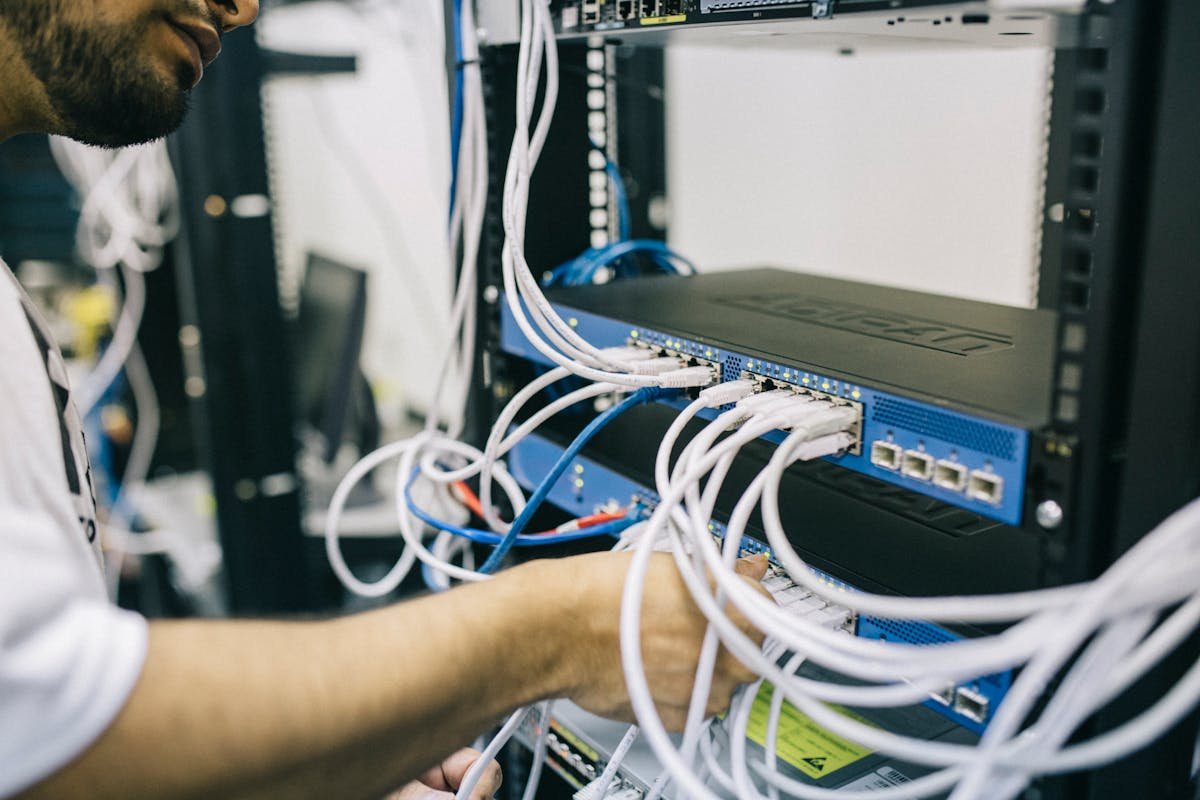
Good wireless coverage starts with the right number of access points in the right locations, connected via properly run ethernet cabling, and configured by someone who understands your wireless hardware. The cabling contractor handles the physical layer — the AP placement and PoE runs. Wireless configuration is typically handled by your IT team or wireless vendor.
Access Point Placement for Standard Office Spaces
For a standard commercial office with drop ceilings and enclosed rooms, the general guideline is one access point per 2,500 to 3,000 square feet of open space, with additional units for each enclosed area that needs separate coverage.
The best AP locations are centered over the area they need to serve, mounted in the ceiling (or on the ceiling in spaces without drop ceilings), with a clear line of sight to the devices below. Avoid mounting APs in corners, near large metal objects, or directly adjacent to HVAC equipment.
Conference rooms often need their own dedicated AP, especially if video conferencing is a regular use case. Hallways between offices typically do not need their own AP if adjacent office APs cover them adequately.
- ✓1 AP per 2,500-3,000 sq ft of open office space
- ✓1 dedicated AP for each conference room used for video calls
- ✓1 AP for any area over 1,000 sq ft that is separated by walls from the main space
- ✓Center APs over the coverage zone, not in corners or edges
Related Services
Access Point Placement for Open Warehouses and Large Facilities
Warehouses present a different set of challenges than offices. High ceilings, large open floor plates, and the presence of metal racking, equipment, and forklifts all affect wireless propagation in ways that standard office planning does not account for.
Ceiling height matters significantly. In a 30-foot warehouse, a standard omnidirectional AP may not provide reliable coverage down to the floor level across its entire footprint. In some cases, lower-mounted APs or directional antennas are better suited to the geometry.
Metal racking is a major factor. APs should be placed to provide coverage between rows, not just above them. High-density racking can create coverage dead zones that only appear when devices are down in the aisles.
- ✓Plan AP locations based on forklift and worker paths, not just square footage
- ✓Account for metal racking reducing signal propagation
- ✓Consider ceiling height when planning coverage footprints
- ✓Locate APs near where devices actually operate, not just where cables are easiest to run
Retail and Hospitality Wireless Considerations
Retail and hospitality spaces typically need to support both staff devices and customer-facing wireless. These are often on separate SSIDs but share the same physical AP infrastructure.
High-traffic customer areas like lobbies, dining rooms, and retail floors need coverage that can handle many concurrent devices. A single AP serving 50+ client devices simultaneously degrades performance for everyone. Planning for adequate capacity — not just coverage — is the key consideration.
Outdoor areas like patios, parking lots, and drive-throughs require weatherproof APs and careful pathway planning for the ethernet cables. We run PoE drops to outdoor AP locations as part of our commercial WiFi installations.
The Cabling Behind Every Access Point
Every wireless access point needs a dedicated Cat6 ethernet cable run from the AP location back to a PoE-capable switch. This cable carries both data and the power that runs the AP. There is no shortcut here — a wireless network with an inadequate physical cabling layer will underperform regardless of the AP hardware.
We plan AP locations and run the cabling before mounting hardware. For ceiling-mounted APs in drop ceiling offices, the cable runs above the tiles and terminates cleanly at the mount location. For high-bay warehouses, cables may run in conduit along structural members. In either case, the result should be a clean, labeled, tested drop at each access point location.
Have a data cabling project in Las Vegas?
We provide free estimates for ethernet, fiber, WiFi, VoIP, and low-voltage cabling across the Las Vegas valley. Call us or request a quote online.
Related Services
Ethernet Cable Installation
Professional Cat6 and Cat6A ethernet cable installation for offices, warehouses, and commercial spaces across Las Vegas.
Learn more →Network Cabling Services
Structured network cabling for offices, clinics, and warehouses. Built for reliability with proper testing, labeling, and documentation.
Learn more →Business WiFi Installation
Commercial access point installation with proper cabling, coverage planning, and configuration for reliable wireless throughout your space.
Learn more →Need data cabling in Las Vegas?
Las Vegas Data Cabling provides ethernet, fiber, WiFi, VoIP, and low-voltage cabling for businesses across the Las Vegas valley. Get a free quote.